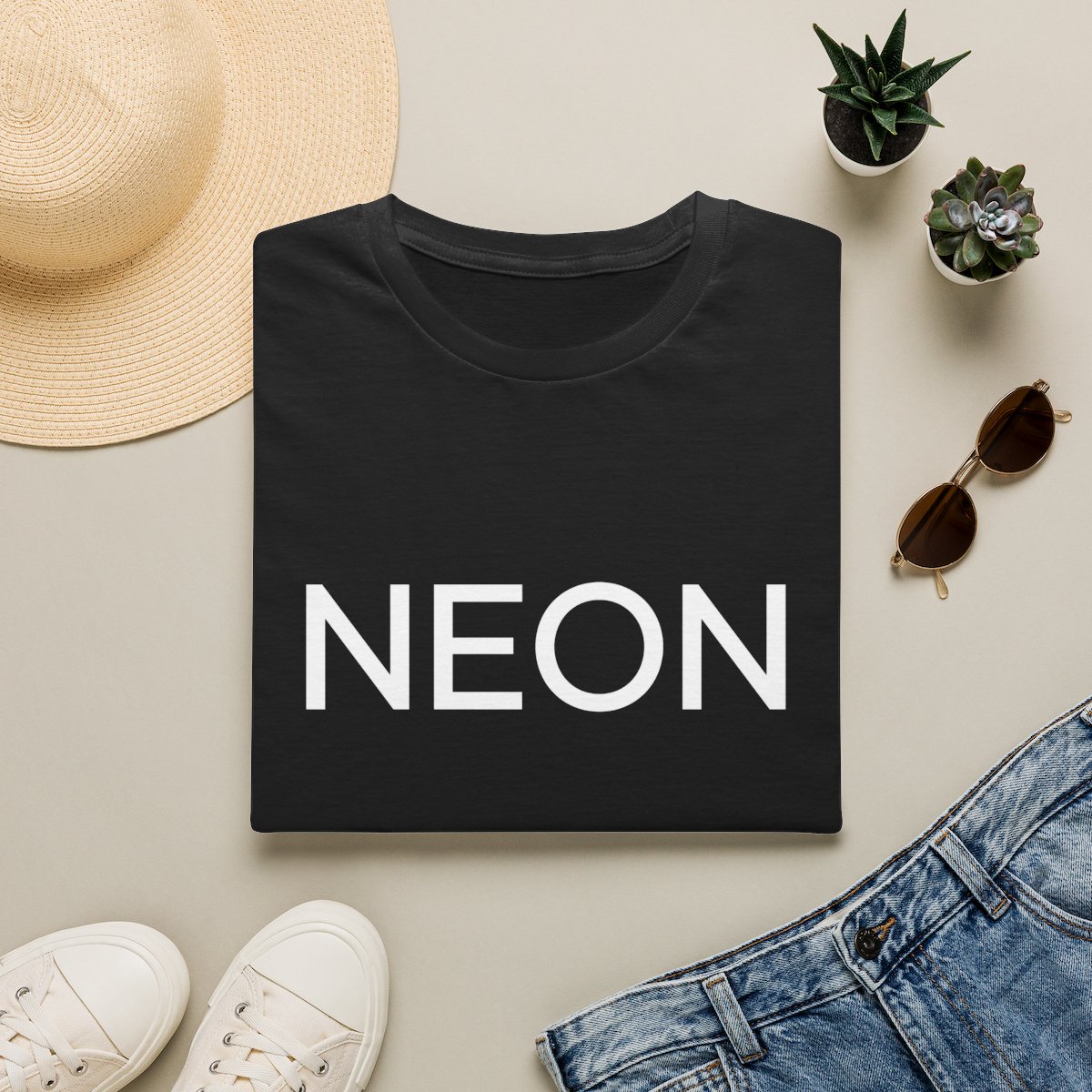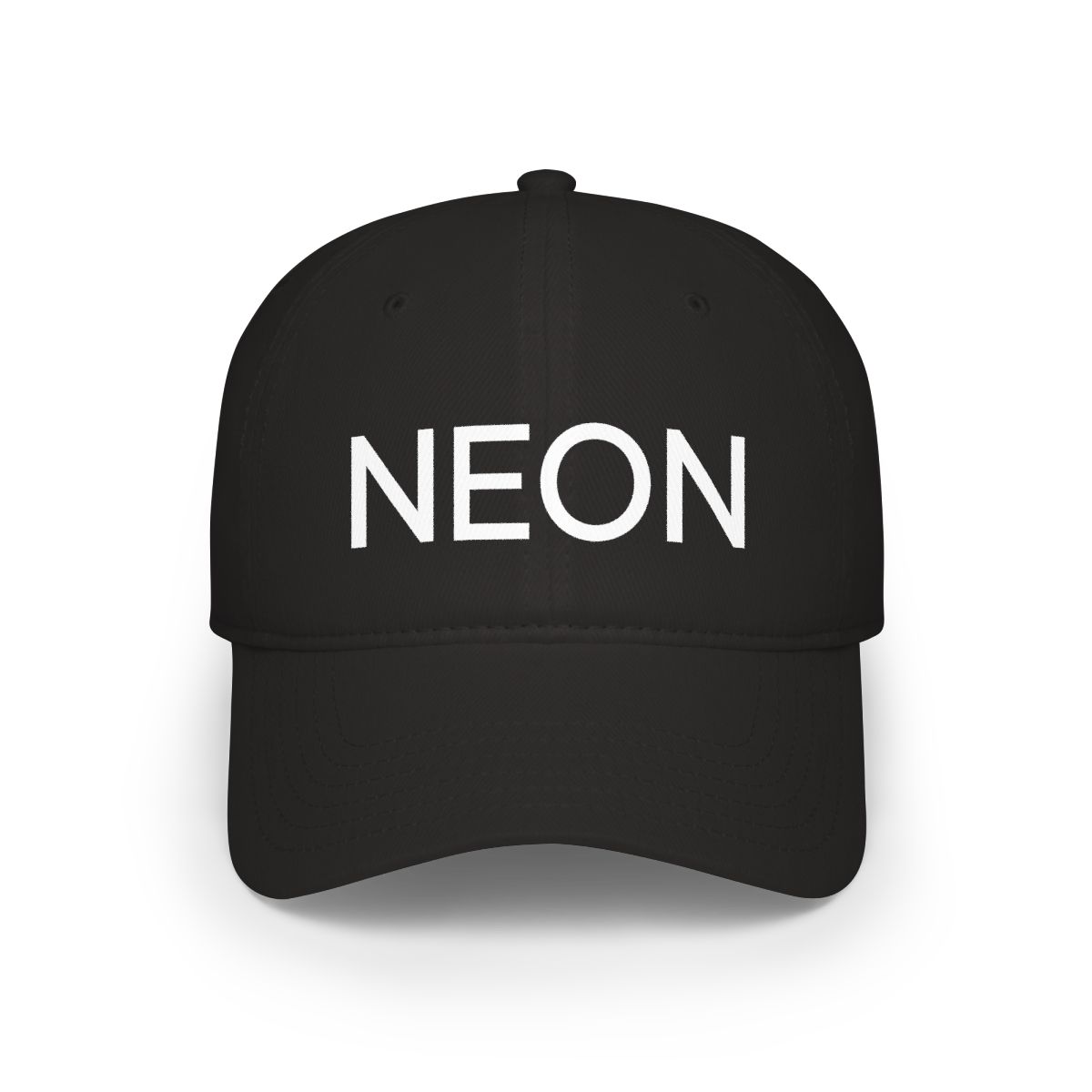
The biggest mistake people make when photographing neon merch is trying to subdue the brightness. They dim the lights, lower the exposure, or desaturate the colors - essentially fighting the very feature that makes neon special. I've spent years designing neon pieces for creators, and I've learned that the best neon merch instagram styling actually leans into the glow. Here's how to make your Neon merch shine on Instagram in 2026.
← Back to Blog
5 Tips for Styling Neon Merch for Instagram in 2026
Stop dimming your neon merch - embrace the glow. These 5 styling tips will help your Neon pieces pop on Instagram in 2026, from lighting to editing tricks.
Find the Perfect Lighting for Neon Merch Photos
Artificial light is your best friend. While natural light works for most clothing, neon needs a controlled environment. I shoot in a room with blackout curtains and use a single LED panel set to 3200K (warm white). This creates a dark backdrop that makes the neon pop. Avoid mixing daylight and neon - it washes out the color.
Why Overhead Lights Ruin the Effect
Overhead fluorescents kill the glow. They create flat shadows and compete with the neon's brightness. Instead, use a single directional light from the side or behind. This illuminates the fabric's texture while keeping the neon saturated. My go-to setup: a 40W equivalent LED bulb in a desk lamp, positioned 3 feet away at a 45-degree angle.
The Golden Hour Myth
Golden hour is terrible for neon. The warm tones clash with cool neon blues and pinks. For the best results, shoot at night in a dark room with one light source. If you must shoot during the day, use a dark corner away from windows.
Angles That Highlight Your Favorite Neon Pieces
Flat lays work well for accessories like hats or bags, but for clothing, you need a 3/4 body shot. Have the subject stand sideways to the camera with the neon piece facing the lens. This shows the cut and the glow. Try these angles:
- Close-up on the logo: get within 12 inches to capture the neon threads.
- Action shot: walking away from the camera so the neon kicks back at you.
- Mirror selfie: but make sure the mirror is clean and the room is dim.
The Power of Negative Space
Leave empty dark areas around the neon. If the frame is too busy, the glow gets lost. A common rule I use: let the neon take up no more than 30% of the frame. The rest should be dark or neutral. This creates a dramatic contrast that stops the scroll.
Pairing Neon Merch with Trendy Accessories
2026 accessories that complement neon: reflective sneakers, chunky silver jewelry, and clear bags. Avoid adding more color - let the merch be the statement. I suggest pairing a neon hoodie with black cargo pants and white sneakers. For a bolder look, try a monochrome outfit where the neon item is the only color.
What NOT to Pair
- Distressed denim (too much visual noise)
- Neon on neon (creates a muddy effect unless it's the exact same shade)
- Busy patterns like florals or stripes
Using Filters and Edits to Enhance Your Post
Lightroom presets work magic. I use the "Neon Boost" preset I created: raise exposure by +0.3, increase clarity by +15, and drop the black point to -20 to deepen shadows. For color, I boost the specific hue of the neon - say, magenta saturation by +20 - and desaturate all other colors slightly. This makes the neon jump off the screen.
The No-Filter Fallback
Instagram's default filters often dull neon. The best filter for neon is actually no filter - just adjust clarity and black point. If you must use a filter, try "Lark" or "Hudson" from the original filter set, but reduce intensity to 30%.
Creating a Cohesive Feed with Neon Merch
Your Instagram grid should tell a story. I recommend planning 3x3 blocks: every third post can be a neon piece, sandwiched between darker, minimal images. This creates a rhythm. Use consistent editing settings across all neon posts. I always use the same white balance (3800K) for every neon photo to keep the tone uniform.
Color Palette Strategy
Stick to one neon accent color per week. If your Neon merch is green, fill the rest of your feed with black, white, and one muted color like gray. This avoids a chaotic appearance. Also, schedule posts so neon items appear on high-engagement days (Tuesday and Thursday evenings). - -
Key Takeaways
- Shoot neon in darkness with a single warm light source.
- Use 3/4 body angles and leave plenty of negative space.
- Pair with neutral, reflective accessories - avoid competing colors.
- Edit in Lightroom: boost clarity, drop black point, saturate only the neon hue.
- Plan your grid in 3x3 blocks with consistent color themes.
Frequently Asked Questions
What's the best time of day to shoot neon merch?
Shoot at night in a dark room with artificial light. If you must shoot during daylight, use a dimly lit corner away from windows to avoid color mixing.Should I use natural or artificial light for neon?
Artificial light is better because you can control the color temperature and direction. Natural light is too unpredictable and often washes out neon colors.How do I avoid color bleeding in neon photos?
Don't use flash. Flash overexposes neon and causes color bleed. Instead, use a continuous LED light set to warm white. Also, reduce the camera's ISO to 100 and use a slow shutter speed.What's the best Instagram filter for neon merch?
Avoid Instagram's filters. Use Lightroom to adjust clarity (+15), black point (-20), and saturate only the neon's hue. If you must use a filter, try Lark at 30% intensity.Can I style neon merch with other bright colors?
It's risky. If you must combine neons, stick to two shades that are far apart on the color wheel, like pink and green. Even then, keep one as the dominant accent.
Related Posts
general
What Does Your Neon Merch Say About Your Film Taste?
Ever wondered what your Neon merch says about your movie personality? From the Classic T-Shirt to th...
generalHow Neon’s Cinephile Ethos Shapes Official Merch Design
Neon’s official merch is more than just logo wear - it’s a love letter to cinema. Discover how film ...
generalNeon Merch Streetwear Styling 2026: How to Blend Creator Gear with Urban Fashion
Learn how to style the Neon Classic T-Shirt and other merch with streetwear pieces for a fresh 2026 ...
Shop Neon Merch
Official merchandise — premium quality, designed for the community.